
To find every company using a given technology, call the PredictLeads Technology Detections discovery endpoint with the technology’s fuzzy name, for example “Snowflake.” Right now that query returns 37,312 companies, drawn from the 50,000+ technologies PredictLeads tracks. You do not need the exact technology ID to start; a name is enough. You can also find these companies through manual research, such as job postings, DNS records, and source code inspection, but this guide focuses on the fastest method that scales: live API queries.
This is the seed step of a discovery workflow. For GTM teams it is competitive displacement and integration targeting. For marketing agencies it is an on-demand technographic segment you can spin up for any client campaign. An agency running a Q4 account-based marketing (ABM) campaign for a Snowflake competitor can build this list in minutes.
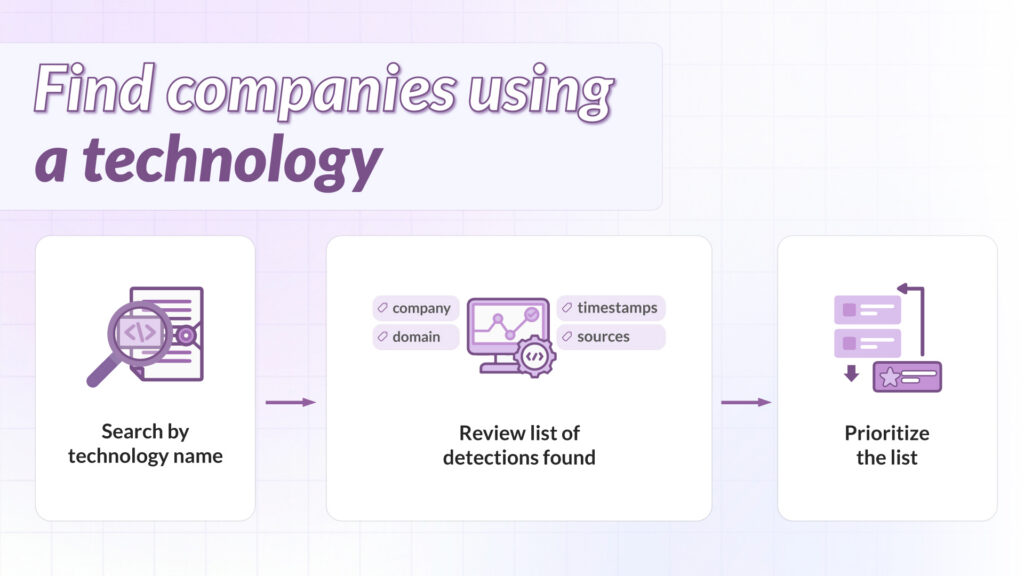
The diagram above shows the three-step workflow: search by technology name, review the detections returned, and rank the list.
TL;DR
- Query the Technology Detections discovery endpoint with a fuzzy technology name; you do not need the exact technology ID.
- Each detection carries first_seen_at, last_seen_at, a confidence score, a source count, and department_onet_codes.
- Filter by first_seen_at to focus on recent adopters.
- Widen the list with the Similar Companies dataset to find adjacent companies likely to adopt the same technology.
How do you find companies by technology?
Pass a fuzzy technology name and read back the list of companies where that technology was detected, ordered by when it was first seen. Through the PredictLeads Model Context Protocol (MCP) server, the prompt is plain language:
Using the PredictLeads MCP server, list companies detected using Snowflake.
Return company name and domain, and note how recently each was first seen.
The equivalent endpoint call:
GET https://predictleads.com/api/v3/discover/technologies/{technology_id_or_fuzzy_name - in this case snowflake}/technology_detections
Pick the lookup that fits your query:
Fuzzy name search
- Pros: fast to start, handles spelling and casing variants, no lookup step needed.
- Cons: small risk of matching a similarly named but different technology.
Exact technology ID search
- Pros: guaranteed precise match.
- Cons: requires an extra lookup in the Technologies dataset first, then you pass its ID.
What does a technology detection include?
Each detection is more than a yes or no. It carries the context you need to score and rank a company, showing the story behind its adoption. For a wider look at the data behind these records, see inside a technographics dataset.
- first_seen_at and last_seen_at, so you can tell a fresh adopter from a long-time user
- a confidence score and a source count, so you can weight strong detections over weak ones
- where it was seen: subpages, job openings, DNS records, and reviews
- department_onet_codes, the O*NET codes of the departments where the technology showed up
- location data for the detection, so you can filter by geography
What do detection sources look like in practice?
Job posting: A Senior Data Engineer req that lists Snowflake, dbt, and Airflow as required skills gives you supporting evidence that the team uses or plans to use those tools. It is not confirmation of an active installation.
DNS record: A DNS TXT record such as atlassian-domain-verification=… or docusign=… on the company’s root domain is a common pattern SaaS vendors use to verify domain ownership, and it points to an active account with that vendor.
Subpage: A security or integrations page showing a vendor badge, for example a “Powered by Stripe” badge or a SOC 2 compliance badge, gets picked up as a subpage detection. PredictLeads collects these signals automatically across millions of domains, so you do not need to check job boards, DNS, or subpages by hand.
The department codes matter because they connect this dataset to hiring. If Snowflake shows up against a data-science department code, that same company is a candidate for the hiring query in the next post.
How do you focus on recent adopters?
A company that adopted a technology last week is a better trigger than one with detections going back years. Filter by first-seen date to keep only recent adopters.
discover_technology_technology_detections(
  technology_id_or_fuzzy_name: "Snowflake",
  first_seen_at_from: "2026-04-23"
)
Recency turns a static list into a timing signal. In many cases, new adopters are still choosing complementary tools, still hiring for the new stack, and more open to a conversation.
How is this different from a static technographics export?
A downloaded technographics list starts decaying the moment you receive it. Companies adopt and drop tools, and within months, part of the file can be out of date. Many teams already use tools like BuiltWith, Wappalyzer, or a purchased ZoomInfo list for this research. These tools are strong at frontend and analytics detection, picking up the scripts and tags a website loads, but their lists typically follow a separate refresh cycle you manage yourself, unlike a live API query. Because the Technology Detections discovery endpoint is queried live, the list reflects the current state every time, and the first-seen date gives you a recency signal a flat export cannot.
Several methods exist to find companies using a given technology, and they differ mainly in freshness, scale, and how much backend or internal tech they can surface.
Method | Freshness | Scale | Backend/internal tech visibility | Effort required |
|---|---|---|---|---|
Manual inspection (source code, job postings, DNS lookups) | Current at time of check | Tens of companies | Partial, only what you can find by hand | High, hours per batch |
Static technographic database export | Snapshot at export date, ages until the next refresh | Large | Varies, often weighted toward frontend tags | Low upfront, repeat purchases to refresh |
Browser extension or point lookup tools | Current for the one site you are viewing | One company at a time | Frontend scripts and tags only | Low per site, does not scale to lists |
API-based live discovery (PredictLeads) | Updated with each query, first_seen_at and last_seen_at on every detection | Thousands of companies per query | Includes job openings, DNS records, and behind_firewall detections | One query, repeatable |
Manual methods are accurate but slow, and the API approach keeps the accuracy of multi-source evidence while scaling to full lists.
Can an AI assistant run this query for you?
Yes. Connect an AI assistant such as Cursor to the PredictLeads MCP server and ask in plain language, for example “List companies detected using Snowflake.” The assistant calls the same Technology Detections discovery endpoint and returns the same fields, including first_seen_at and the confidence score. Because it reads live API data instead of a model’s memory, the answer reflects current detections. Check the source count before you act on any single result.
How do you expand the list with lookalikes?
Once you have companies on a technology, widen the net with the Similar Companies dataset. Take a strong match and ask for companies like it. For example, companies similar to Elastic come back as Sumo Logic, SolarWinds, Cribl, Datadog, and New Relic, a clean map of the observability space. This widens your list beyond current users to organizations likely to adopt the technology as well.
company_similar_companies(company_id_or_domain: "elastic.co")Running this on a payments company such as stripe.com typically surfaces peers like Braintree, Adyen, and Checkout.com. Each match carries a reason field explaining the similarity, which you can reuse in outreach.
Chaining detection then lookalike gives you both the companies with evidence of using the technology and the adjacent companies that probably should, which is a larger and still relevant universe. For more on this step, read how to expand your ICP with company similarity.
What can GTM teams and agencies do with this?
- Competitive displacement. Find every company with detections of a rival’s product, then lead with a migration angle. Our guide to competitor displacement with technographics covers the full playbook.
- Integration targeting. Sell to companies with evidence of using a technology your product complements.
- Agency segments. Build a technographic account list for a client’s ABM campaign in minutes, then refresh it whenever the campaign needs new names.
- Partner sourcing. Map an ecosystem by finding every company on a technology you integrate with.
How do you score a technology detection?
Not every detection deserves equal weight. Two attributes let you rank them. The source count tells you how many independent places the technology was seen, so a detection backed by a job posting, a subpage, and a DNS record is stronger than one seen once. The confidence score summarizes that evidence into a single value you can threshold on. Score both attributes and you know which companies deserve your first outreach.
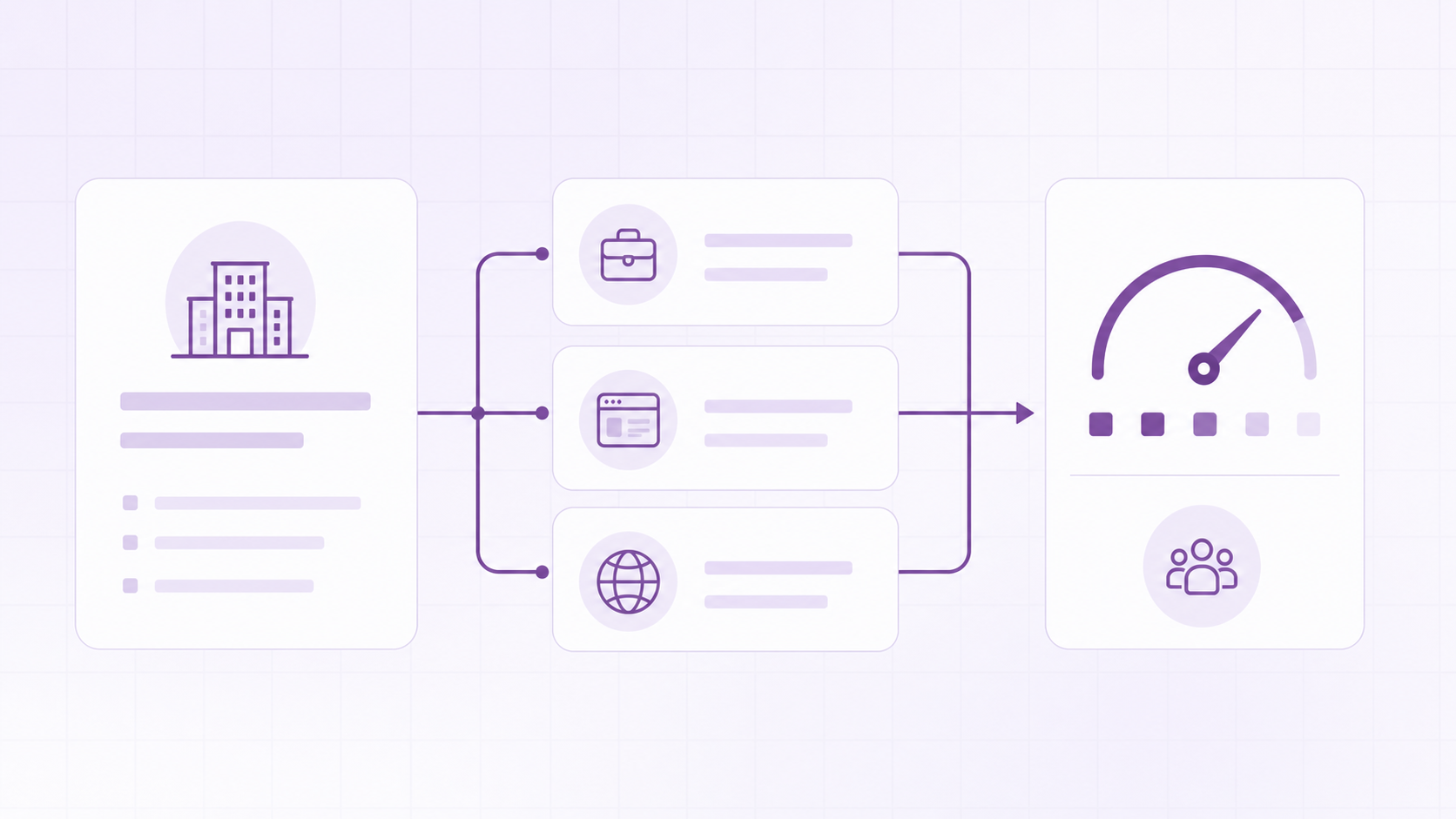
A behind_firewall flag marks technologies inferred from hiring instead of a public page, which is useful context when you decide how hard to lean on a detection. For a target list, a simple rule works well: require a minimum source count for outbound, and treat single-source detections as softer signals worth a lighter touch. For a fuller model, see our guide to technographic lead scoring.
Frequently Asked Questions
Call the Discover Technology Detections endpoint with the technology’s fuzzy name. It returns the companies where that technology was detected, ordered by when it was first seen.
No. A fuzzy name such as Snowflake works. You can also pass a technology ID from the Technologies dataset if you want an exact match.
Yes. Use the first-seen date filter to return only detections first seen after a date you choose, which surfaces recent adopters as a timing signal.
PredictLeads tracks about 50,000+ technologies, so most tools in a modern stack can be used as a discovery signal.
Related Guides
- Best BuiltWith Alternatives
- Best Wappalyzer Alternatives
- Companies Hiring Data Engineers
- Technographic Data for ABM Target Lists
Ready to see this in your own data?
Get 100 free API requests/month – no credit card, no sales call. Take the opportunity to find companies using a technology, and explore how this data transforms your workflow.
Pingback: How to find companies using HubSpot or Salesforce