
If you’re building anything that touches 10-Ks, 8-Ks, or insider trading forms, you’ll eventually end up at EDGAR. SEC filings data is free to pull, but between CIK lookups, mandatory User-Agent headers, strict rate limits, and XBRL tagging that varies by filer, raw access takes more engineering time than it looks like at first. We’ll break down what the data includes, how to query it correctly, and where the rough edges are.
TLDR:
- SEC filings are mandatory, dated disclosures pulled via EDGAR using a company’s CIK number.
- EDGAR caps automated requests at 10 per second, so you need pacing and retry logic at scale.
- XBRL endpoints like CompanyConcept and CompanyFacts turn financial statements into queryable fields.
- EDGAR has no push alerts, so monitoring a single filer means polling and diffing accession numbers yourself.
- PredictLeads offers a SEC Filings dataset covering 6-K, 8-K, 10-K, 10-Q, 20-F, and 40-F documents in Markdown, paired with job, technology, and funding signals.
What Is SEC Filings Data
SEC filings data refers to the registration statements, periodic reports, and disclosure documents that public companies and SEC-registered entities file with the SEC through EDGAR (Electronic Data Gathering, Analysis, and Retrieval system). Unlike inferred private company signals (websites, job postings, news tracked by company news data providers), filings are mandatory, dated, legally binding disclosures required by federal securities law.
The term covers two distinct things:
- Raw filing documents: the actual 10-K, 8-K, or proxy statement text, as filed, in HTML or plain text
- Structured data: individual fields like revenue or share count extracted from filings and organized for querying
Anyone can download EDGAR filings free of charge.
What Is the SEC EDGAR API
The SEC EDGAR API is the set of free, machine-readable endpoints the SEC exposes at data.sec.gov, separate from the human-facing EDGAR website you’d use to browse filings in a browser. Instead of HTML pages, these endpoints return JSON, which is what makes programmatic access possible in the first place. The API splits into three main surfaces: the submissions endpoint, which lists every filing a company has made along with form type, date, and accession number; the XBRL endpoints (CompanyConcept, CompanyFacts, and Frames), which expose tagged financial statement data; and full-text search, which lets you query filing text across companies since 2001. There’s no API key, account, or signup required, you just need a descriptive User-Agent header on every request. It’s read-only: you can pull data, but there’s no way to submit filings or write back through the API. The SEC also offers no formal uptime guarantee, so production systems built on it need their own retry and fallback logic.
Key SEC Filing Types You Can Pull via API
EDGAR exposes several distinct filing types through the API, and each one maps to a different disclosure obligation. The 10-K is the annual report: audited financials, risk factors, and management’s discussion covering the full fiscal year. The 10-Q delivers the same categories on a quarterly basis, unaudited and lighter on narrative detail. The 8-K covers material events between scheduled reports, such as leadership changes, acquisitions, or bankruptcy, and companies must file it within four business days of the triggering event. Form 4 captures insider trading activity, filed within two business days of a transaction by officers, directors, or large shareholders, while foreign private issuers substitute the 20-F for the annual report and the 6-K for interim updates, with 40-F covering certain Canadian filers. You can pull any of these by filtering the form type field returned from the submissions endpoint against the accession numbers tied to it.
Filing Type | What It Covers | Filing Deadline |
|---|---|---|
10-K | Annual report: audited financials, risk factors, management’s discussion for the full fiscal year | Annual, trailing fiscal year end by months |
10-Q | Same categories as the 10-K, unaudited and lighter on narrative detail | Quarterly |
8-K | Material events between scheduled reports: leadership changes, acquisitions, bankruptcy | Within four business days of the event |
Form 4 | Insider trading activity by officers, directors, or large shareholders | Within two business days of the transaction |
20-F | Annual report for foreign private issuers | Annual |
6-K | Interim updates for foreign private issuers | As events occur |
40-F | Annual report for certain Canadian filers | Annual |
How to Access SEC Filings Data via the EDGAR API
To pull filings for a specific company, you need its CIK (Central Index Key), a unique identifier the SEC assigns to every filer. Look this up in the company tickers file on sec.gov, which maps ticker symbols to CIK numbers.
Once you have the CIK, query the submissions endpoint at data.sec.gov/submissions/CIK##########.json, padding to 10 digits with leading zeros. Every request needs a descriptive User-Agent header with your organization and contact email, since EDGAR blocks anonymous-looking requests:
GET https://data.sec.gov/submissions/CIK0000320193.json
User-Agent: YourCompany contact@yourcompany.com
The JSON response returns a filings.recent object with parallel arrays for form type, filing date, and accession number. Loop through them together, then build the document URL from the accession number to retrieve the filing text.
Rate Limits and Fair Access Rules for the EDGAR API
The SEC caps automated access to EDGAR at 10 requests per second, regardless of how many machines or IP ranges you use to spread the load. The rule was applied across EDGAR websites in 2021 and still governs API usage today. Exceed it and you risk a temporary block, with no graceful throttling in between.
This is usually the first obstacle anyone hits building against EDGAR directly, especially when pulling full submission histories for a large watchlist. The SEC’s own guidance favors moderated scripting over bursting. In practice that means:
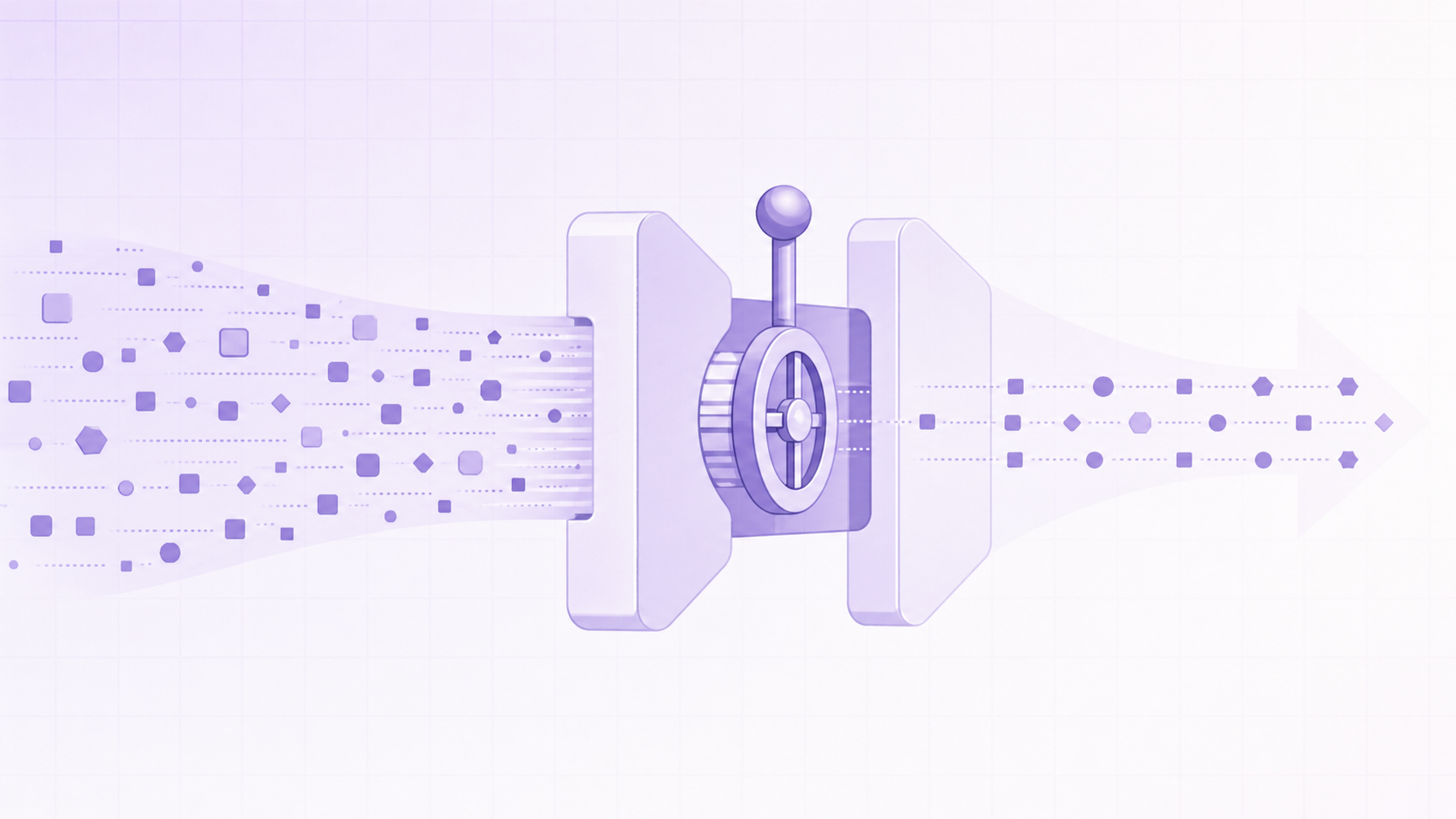
- Space requests out instead of firing parallel batches
- Download only the specific filings or fields you need
- Cache responses locally so you avoid re-requesting the same CIK
- Build in retry logic with backoff for when you get rate limited
Budget engineering time for request pacing before treating EDGAR as reliable at scale.
Using XBRL Data to Pull Financial and Business Metrics
Using XBRL Data to Pull Financial and Business Metrics
XBRL (eXtensible Business Reporting Language) tags turn financial statements into queryable fields instead of paragraphs you parse by hand. The CompanyConcept endpoint at data.sec.gov/api/xbrl/companyconcept returns a single tagged value, like Revenues or Assets, as a time series. CompanyFacts returns every tagged value a company has filed in one JSON response, and Frames pulls one metric across all filers for a given period, useful for industry comparisons.
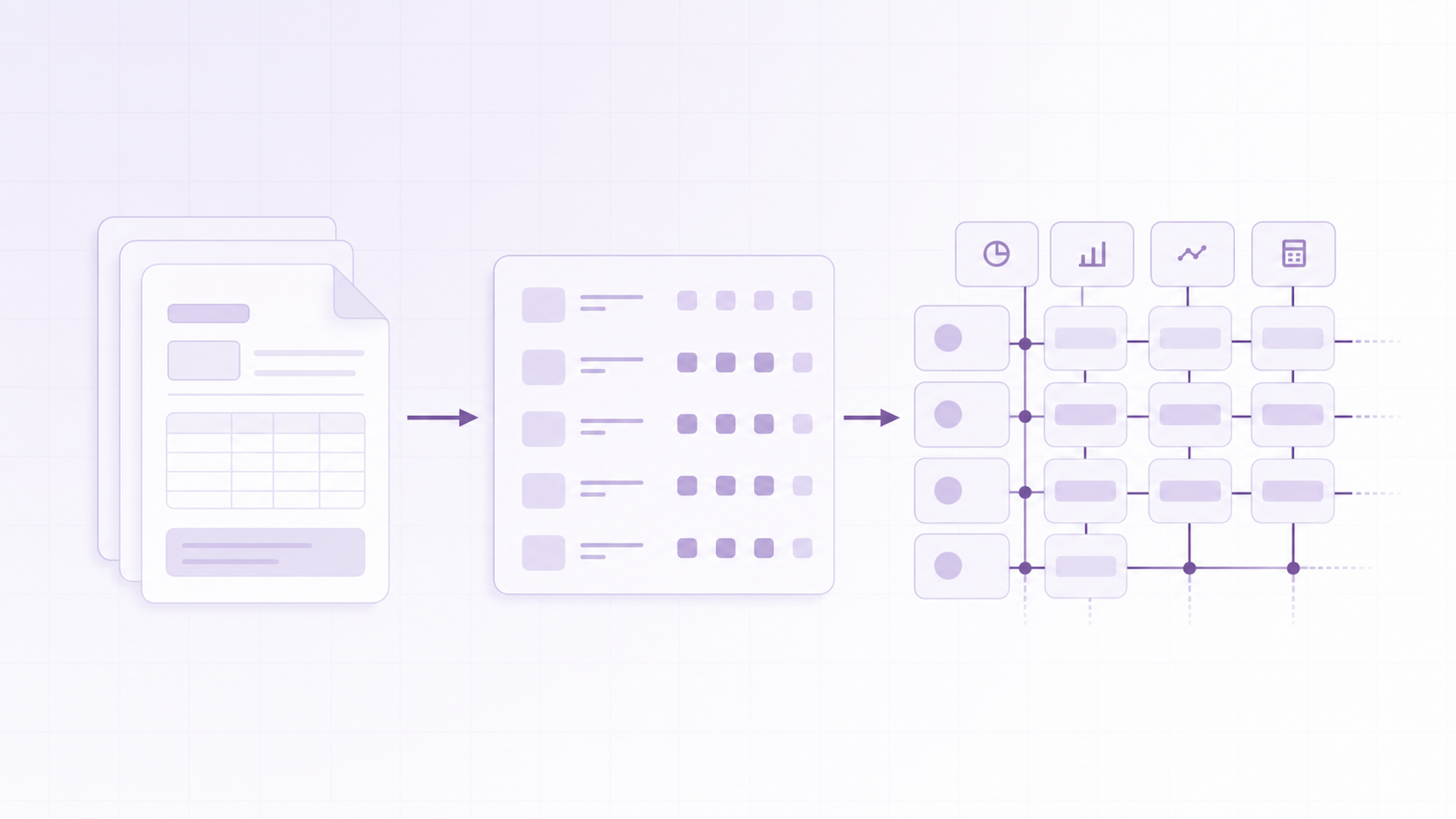
Revenue, assets, liabilities, and shares outstanding map to required US GAAP concepts, so tagging is reliable. Headcount and segment data are not: some filers use a standard tag, others bury the number in narrative text with no tag at all. Verify anything outside core financial statements against the source document, which matters when you fold filing data into broader investor research workflows.
How to Monitor SEC Filings for a Specific Company
Monitoring a single company means polling, not subscribing, unless you build the subscription layer yourself. The submissions endpoint returns recent filings in filings.recent, so a scheduled job that re-fetches it every few minutes and diffs accession numbers against stored data catches new filings shortly after they post.
EDGAR also publishes RSS feeds per filer and daily full-index files listing every filing submitted that day across all companies. The index suits sector-wide monitoring, but it updates once per day.
None of this pushes alerts. There is no built-in way to tell EDGAR to alert you the moment a company files an 8-K. You own the polling intervals, deduplication logic, and index parsing yourself, work that becomes more involved once you also try to find companies by funding round across multiple filers.
Official EDGAR API vs Commercial SEC Filings APIs
The raw EDGAR API costs nothing and comes straight from the regulator, but it hands you unstandardized documents, variable XBRL tagging, and no uptime guarantee. Commercial SEC filings APIs add normalized fields, full-text search, and bulk export. Sec-api.io, for example, lists coverage of about 20 million EDGAR filings across roughly 1.1 million SEC-registered entities back to 1993.
The choice is build versus buy. Low-volume, single-ticker lookups favor raw EDGAR. High-volume, cross-filer queries needing full-text search or push notifications favor a commercial layer built for that scale.
Common Use Cases for SEC Filings Data
Different teams pull the same filings for different reasons. The document is identical, but the question each reader asks of it changes.
- Investment researchers track 10-Ks and 10-Qs for earnings trends and watch Form 4 filings for insider buying or selling ahead of a position, timing similar to how teams time outreach by funding stage
- Compliance teams monitor their own disclosure deadlines and cross-check competitor filings for regulatory exposure
- Competitive intelligence analysts read a rival’s 8-K for leadership changes or asset sales, feeding the kind of GTM signals from business events that a news events dataset captures, and its S-1 for the first full look at financials before an IPO
- Deal teams screen 10-K risk factors and footnotes during diligence on a public target or a company preparing to go public
None of these users treat a filing as a standalone source. A 10-K confirms what hiring trends or technology adoption already suggested about a company’s direction, the same layering question teams face when comparing a news dataset versus a news API. SEC filings data works best as a verification layer on top of forward-looking signals from other sources.
Limitations to Keep in Mind When Working with SEC Filings Data
SEC filings data only covers entities that register with the SEC. Most private companies never file, and foreign businesses without US-listed securities fall outside EDGAR entirely, leaving gaps if your target list includes early-stage or privately held firms, which is why investors tracking fast-growing private companies need signals beyond EDGAR.
Filings also lag the events they describe. Disclosure happens once a deadline requires it, which for an 8-K can still be several business days out, and for a 10-K can trail fiscal year end by months, so you are working with a delayed signal compared to news event categories that signal GTM opportunity.
Cross-company comparison carries friction too. XBRL tagging is standardized for core line items, but filers vary elsewhere, so comparing 50 companies often means normalizing tags by hand first.
Where PredictLeads Fits Alongside SEC Filings Data
PredictLeads maintains a SEC Filings dataset within the same company intelligence layer as the rest of our data, covering 6-K, 8-K, 10-K, 10-Q, 20-F, and 40-F filings. Each record includes the form type, filed date, source URL, and the full document in Markdown instead of raw HTML, reflecting why PredictLeads data beats LLMs for accuracy.
Building against EDGAR directly gives you the filing on its own. Pairing that filing with hiring, news, funding, and technology signals shows what the company was doing around the time it disclosed it, delivered through one API, the same flat files, webhooks, or MCP.
A filing confirms what hiring, technology, and funding signals already suggested about a company’s direction.
The dataset draws only from publicly available filing documents. No material non-public information is collected.
Final thoughts on using the SEC EDGAR API for filings data
Between CIK lookups, rate limits, and uneven XBRL tagging, raw EDGAR access takes real engineering time before it’s reliable at scale. Your filings data tells a fuller story once you connect it to what a company was hiring for or building around the same dates. Sign up and get 100 free API requests, no credit card or sales call attached.
FAQ
What’s the best way to monitor SEC filings for a specific company without building a custom poller?
EDGAR itself has no push-alert system, so you either poll the submissions endpoint on a schedule and diff accession numbers yourself, or use a commercial SEC filings API that already handles that layer. PredictLeads’ SEC Filings dataset returns form type, filed date, and the full document in Markdown through the same API, flat files, webhooks, or MCP used for Job Openings, News Events, and Financing Events, so a filing lands alongside the hiring and funding activity that surrounded it.
SEC EDGAR API vs a commercial SEC filings API like sec-api.io, which should you use?
See the “Official EDGAR API vs Commercial SEC Filings APIs” section above for the build-versus-buy breakdown. In short: a commercial layer like sec-api.io adds normalized fields, full-text search, and bulk export across more than 20 million filings, which fits high-volume, cross-filer queries where you need push notifications or structured search instead of a build-it-yourself poller.
Can you pull company revenue and headcount trends from SEC filings data alone?
Only partially. Revenue, assets, liabilities, and shares outstanding map to required XBRL tags via the CompanyConcept and CompanyFacts endpoints, so those are reliable, but headcount is inconsistently tagged, with some filers burying the number in narrative text with no tag at all. For a cleaner read on headcount trends, pair filings with a dataset built to track employee counts over time, like PredictLeads’ Companies dataset, which tracks headcount history independent of filing cadence.
Why does SEC filings data lag the events it describes?
Filings only post once a legal disclosure deadline forces them, and that deadline is measured in business days for an 8-K or months for a 10-K after fiscal year end. That gap is why filings work better as a confirmation layer: a hiring surge, technology adoption, or funding event detected through News Events or Job Openings often surfaces weeks before the related 10-K or 8-K becomes public.
What’s the SEC rate limit for the EDGAR API, and how do you work around it?
The SEC caps automated EDGAR access at 10 requests per second across all your IPs and machines combined, with a hard block instead of graceful throttling if you exceed it. See the “Rate Limits and Fair Access Rules” section above for how to pace requests and work around that cap.
Ready to see this in your own data?
Get 100 free API requests when you create an account – no credit card, no sales call.